Razer Sensa HD Haptics
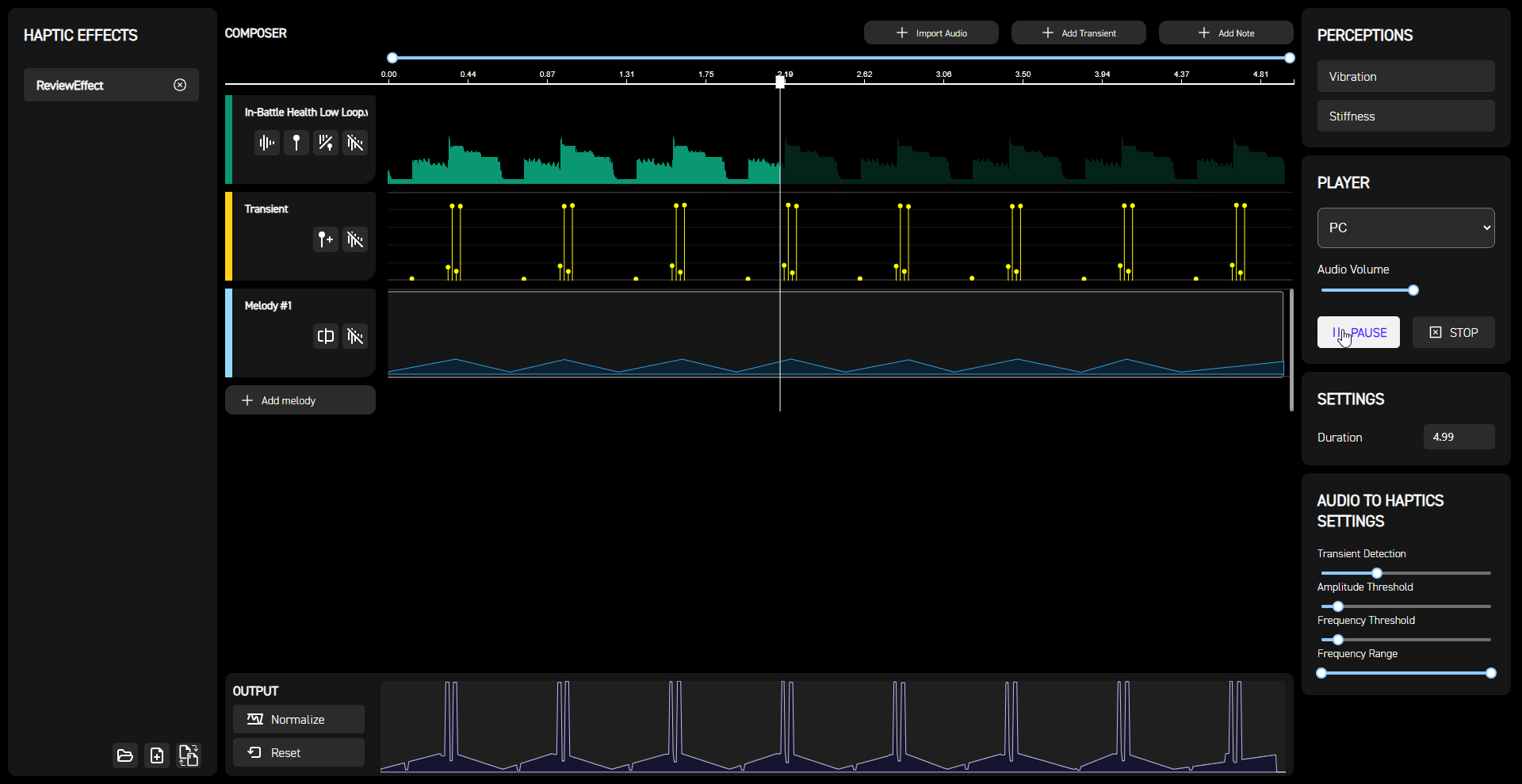
Haptic Composer solves the testing problem by including an audio player along the Interhaptics engine for playing synchronously the haptics and audio track on the Sensa HD Haptics peripheral of choice.
You can control the haptic effect with the Play and Stop buttons by choosing as Player the PC option (not Mobile) and the effect will play from either the start or the cursor to the end of the track. Haptic Composer includes latency controls and audio volume controls to compensate for some system-specific behaviors. The player can be used to test haptics with or without an audio track.
The WYVRN DevKit (Razer Chroma and Sensa HD Haptics) is available for game studios and game professionals. You can find more information here.