Chroma Emulator
About
The Chroma Emulator displays Chroma visualization on the screen without needing the physical hardware. The Chroma Emulator displays virtual lighting devices for ChromaLink, Headset, Keyboard, Keypad, Mouse, and Mousepad devices. This is especially useful during design and QA to verify games are displaying the expected effects during various game events.
Download:
-
Chroma Emulator - Releases - The latest installer can be found in Github releases.
-
Razer Synapse 4 with Razer Chroma are prerequisites for games to display events in the
Chroma Emulator. The latest version can be downloaded from this link
Chroma Emulator:
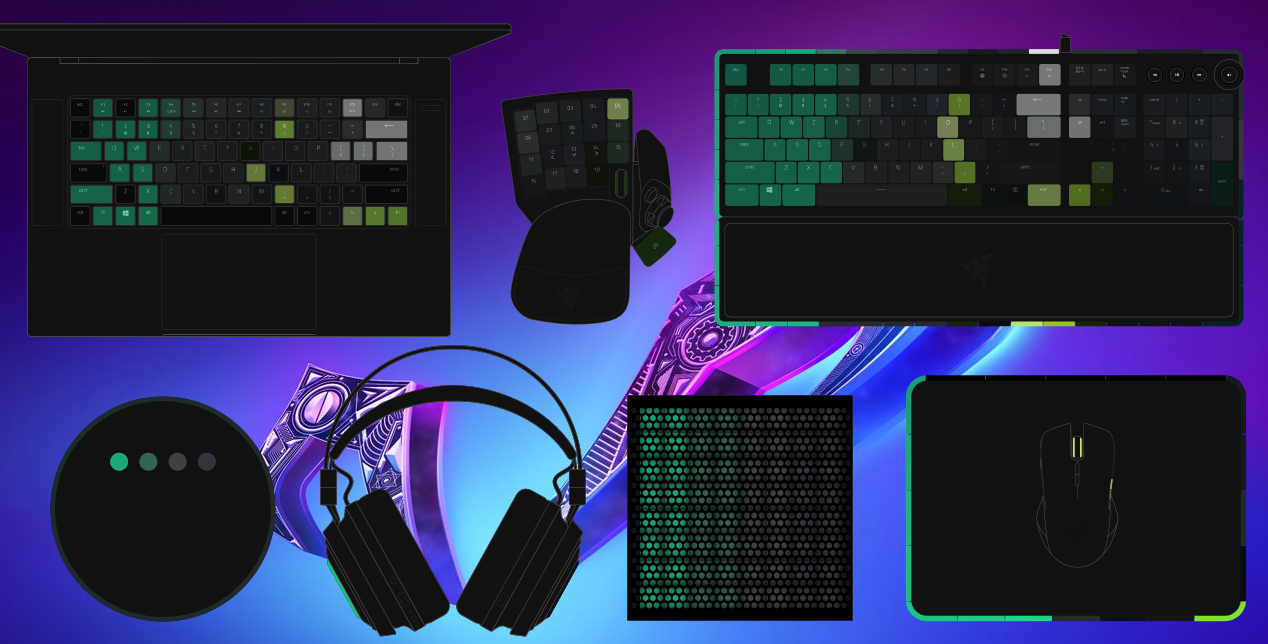
Features
Main Panel
The main panel of the Chroma Emulator has a title bar, menu options, visibility toggles for the virtual devices, and an opacity slider.
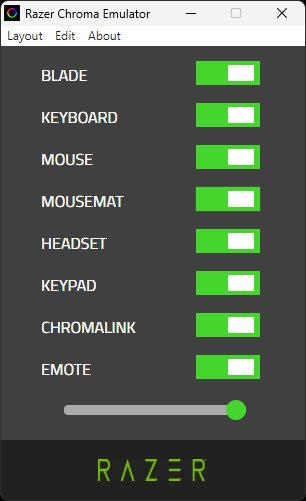
Menu: Layout
The Layout menu has a desktop preset with a default position layout and some common visibility toggles.

Menu: Edit
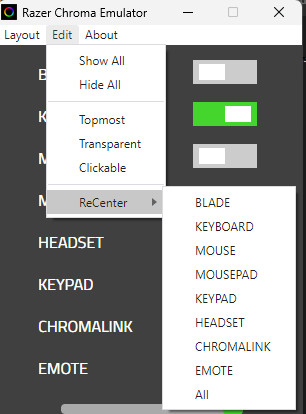
The Edit menu has various visibility options.
-
Show All - Set all device toggles to
ON -
Hide All - Set all device toggles to
OFF -
Topmost - When checked all device windows will render on top of other windows
-
Transparent
OFF- When unchecked all devices render with a window border and device background
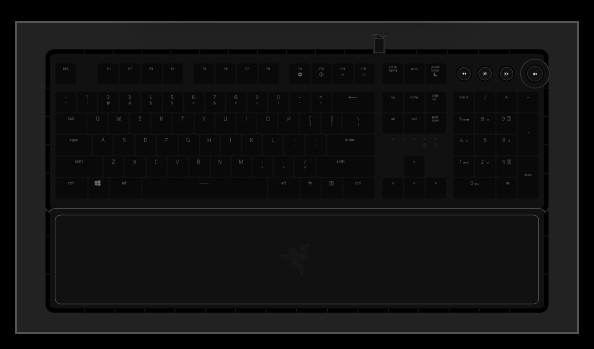
- Transparent
OFF- When checked all devices render without a window border and transparent background
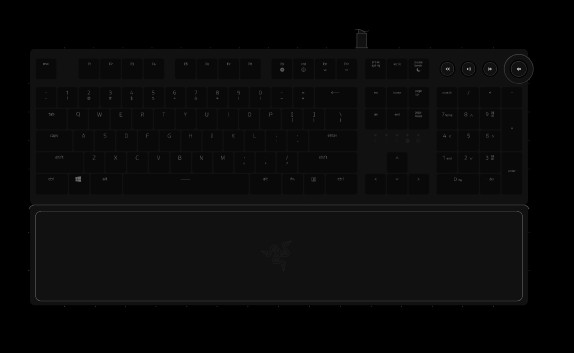
-
Clickable - When checked the devices can be moved and resized with the mouse
-
Recenter - Individual device windows and all device windows can be moved to the center of the screen
Menu: About
The About menu shows a popup window with version info.