Chroma SDK
- For game developers who want to integrate Chroma directly into their games
- Self-managed integration (no External Chroma service included in Razer Synapse)
- No animation design assistance from the WYVRN team
- Design RGB lighting for Windows Dynamic Lighting, Razer Chroma RGB, and 50+ Chroma Connect partners
- Support available on Discord
Integration Options
For game studios, we offer two approaches to creating immersive experiences with Chroma:
-
Wyvrn SDK - Our recommended all-in-one solution that simplifies integration, reduces development time, and streamlines your workflow. Learn more about Wyvrn SDK
-
Chroma SDK - For developers who prefer direct control over the animation process and want to explicitly manage Chroma and embed animations directly into their game. This approach offers greater customization but requires more development effort.
Chroma SDK Integration
The Chroma SDK integration process involves the following:
Chroma Design
The Chroma Design is the starting point for adding Chroma RGB to a game. Review gameplay footage to get an idea to the type of animation that could play for a set of game events. Game triggers can represent environment changes, character abilities, in game items, in game weapons, player movement, player state, game state, and more...
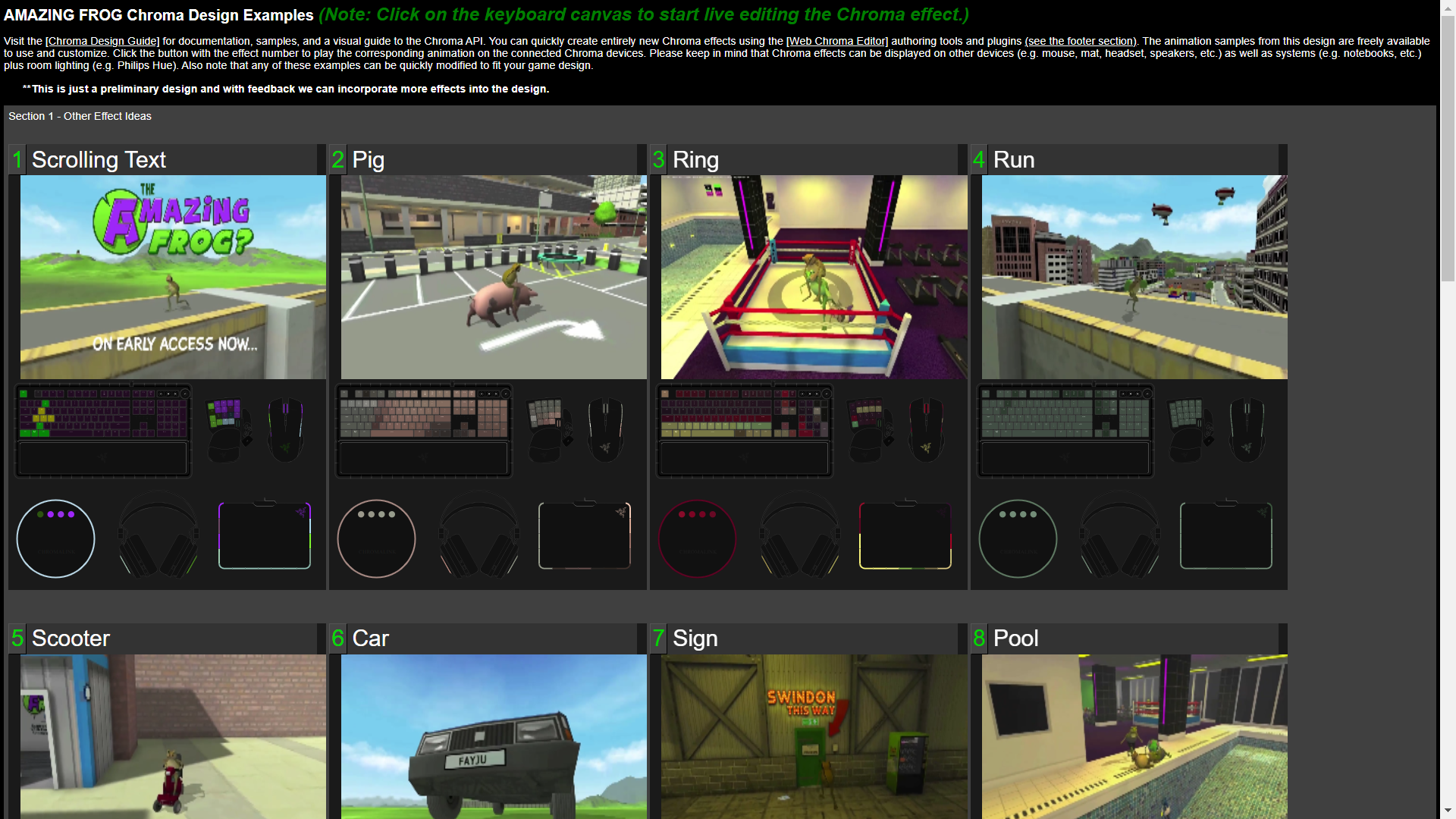
Sample Projects
The developer specifies which game engine is used by the game so that a sample project can be shared with sample code for the specified engine. The sample projects have sample effects that play Chroma RGB from the game for the target language/game engine.
Tools
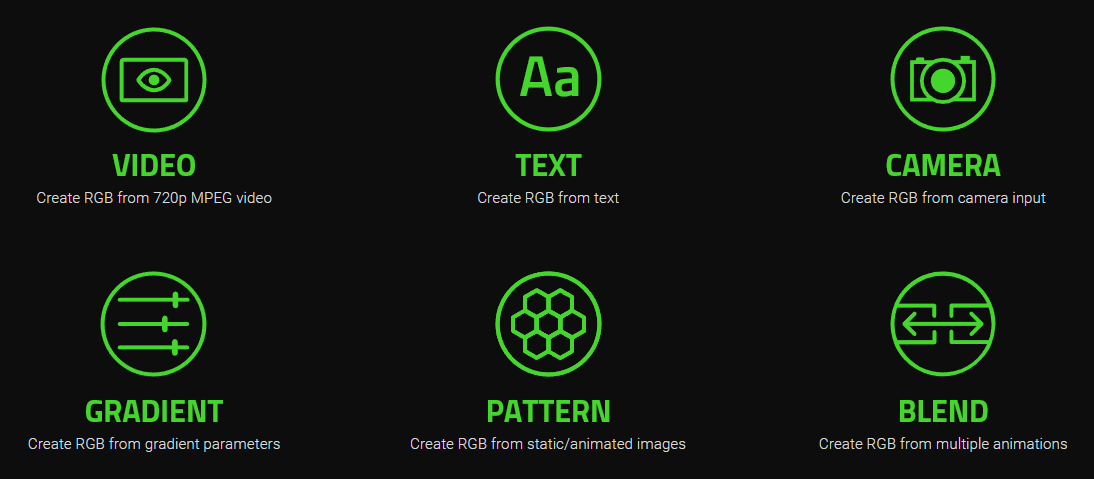
- The Web Chroma Editor creates Chroma animations and code snippets from several input sources. Designers can create Chroma animations without writing any code. The toolset can use input sources as video, text, camera, web cam, desktop capture, gradients, patterns, images, and blended animations.
Integration
The integration process is a matter of finding game triggers in the game code to find the optimal place to add a call to PlayAnimation(). The Chroma authoring tools create and download Chroma animation sets that are embedded into the game. The typical Chroma integration process lasts 3 - 5 days for a single developer. In most cases for game engines after the game build completes, the Chroma animations need to be copied to the animation folder within the game's content folder.
Testing
The team can provide QA on the game build when integration has completed. Steam beta keys and Epic Store beta keys make testing possible before a game launches. This can be a good way to provide design revisions by testing and giving feedback on the build. To support the QA process, it will be important to include a level selector and potentially console commands that make it easy to navigate the build to test the game triggers at the right moments to validate the visuals work as expected. Beta key access is limited to the engineering and QA review team.
Performance
Performance Considerations
Avoid Blocking the Update/Rendering Thread:
Calling the Chroma API in the middle of an update or rendering thread can cause noticeable lag if not handled properly.
Two Approaches for Animation References:
- By ID (Synchronous):
- Methods that reference animations by ID are synchronous. These calls can block the thread they run on.
- Recommendation: Use a dedicated thread outside the main update/render thread if you plan to call by ID.
- By Name (Asynchronous):
- Methods that reference animations by name have been modified to run in the background and return immediately.
- This design avoids any performance impact on the main thread.
- Recommendation: It is safe to call these methods directly from the main thread since they won't block it.
GetAnimation Behavior:
- GetAnimation returns the ID of a loaded animation immediately or sends the operation to open the animation in the background if it's not already loaded.
Preloading Animations:
- If yor design calls for using PlayChromaAnimationName during update or rendering, preload animations during level loading to avoid runtime lag.
Performance is a key concern when adding Chroma to event triggers. Calling the API in the middle of an update or rendering thread could cause noticable lag if designed incorrectly. Methods that reference animations by id are synchronous and may block the calling thread. Methods that reference animations by name have been modified to pass the operation to the background and return immediately to avoid any performance impact. SetEventName is asynchronous and is rate limited to 30 FPS. GetAnimation will return the id of a loaded animation immediately or send the open animation operation to the background. Preload animations during the level loading stage when using PlayChromaAnimationName if the design calls from the update or rendering thread. Use a dedicated thread outside the update and rendering thread If you plan to reference animations by id.
Asynchronous Methods:
The following methods have been adapted to work in the background (asynchronously) and can be safely called from the main thread without causing performance bottlenecks.
AddNonZeroAllKeysAllFramesName
AddNonZeroAllKeysName
CloseAnimationName
CopyKeyColorName
CopyKeysColorAllFramesName
CopyNonZeroAllKeysAllFramesName
CopyNonZeroAllKeysName
CopyNonZeroTargetAllKeysAllFramesName
CoreStreamBroadcast
CoreStreamBroadcastEnd
CoreStreamGetAuthShortcode
CoreStreamGetFocus
CoreStreamGetId
CoreStreamGetKey
CoreStreamGetStatus
CoreStreamReleaseShortcode
CoreStreamSetFocus
CoreStreamWatch
CoreStreamWatchEnd
DuplicateFirstFrameName
DuplicateFramesName
DuplicateMirrorFramesName
FadeEndFramesName
FadeStartFramesName
FillRandomColorsBlackAndWhiteAllFramesName
FillThresholdColorsAllFramesName
FillThresholdColorsMinMaxAllFramesRGBName
FillThresholdColorsRGBName
FillZeroColorAllFramesRGBName
GetAnimation
InsertDelayName
InvertColorsAllFramesName
MakeBlankFramesName
MakeBlankFramesRGBName
MultiplyColorLerpAllFramesName
MultiplyIntensityAllFramesName
MultiplyIntensityAllFramesRGBName
MultiplyIntensityColorName
MultiplyIntensityName
MultiplyIntensityRGBName
MultiplyTargetColorLerpAllFramesName
OverrideFrameDurationName
PlayChromaAnimationName
PreviewFrameName
ReduceFramesName
ReverseAllFramesName
SetChromaCustomFlagName
SetIdleAnimationName
SetKeyColorAllFramesName
SetKeyColorName
SetKeysColorAllFramesName
SetKeysColorAllFramesRGBName
StopAll
StopAnimationName
StopAnimationType
SubtractNonZeroAllKeysAllFramesName
SubtractNonZeroAllKeysName
TrimEndFramesName
TrimStartFramesName
UseForwardChromaEvents
UseIdleAnimation
UseIdleAnimations